Team Collaboration and Support
Contestants coordinate through profile context, standings visibility, team action history, and the built-in support ticket system.
Team Profile and Progress Context
The profile page provides participant and team context in one view.
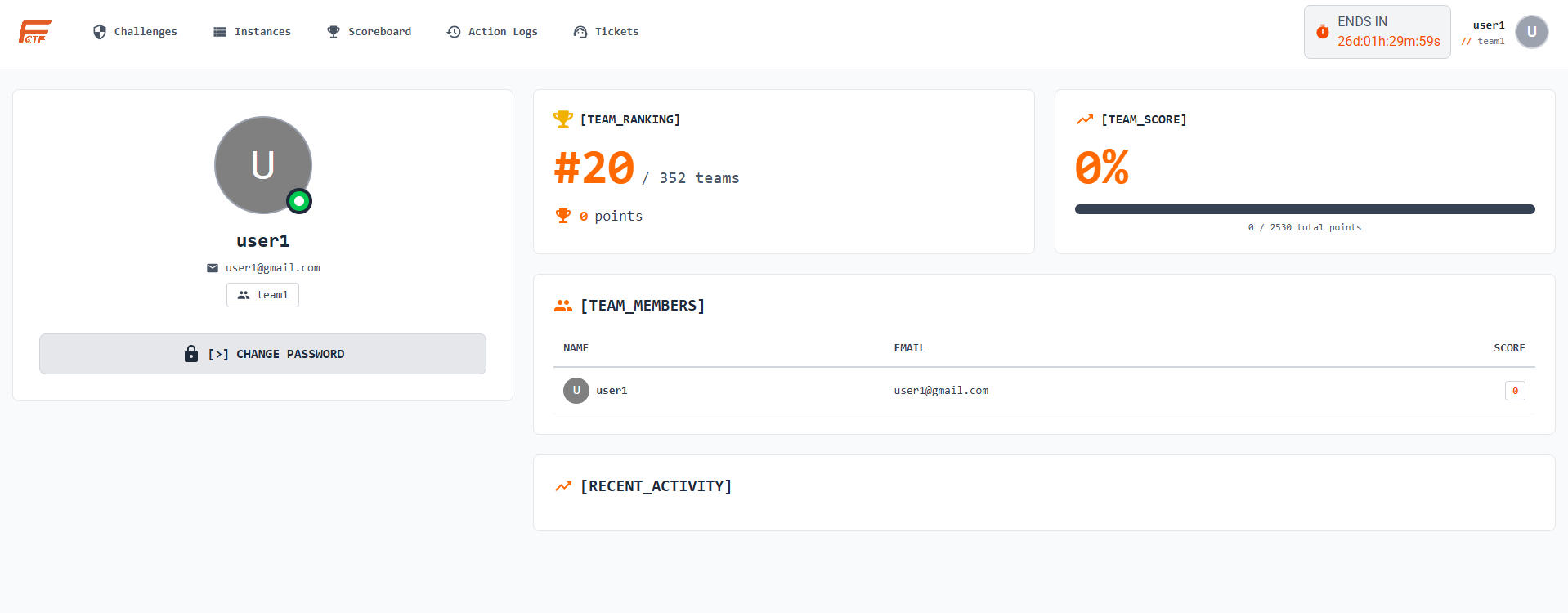
Contestants can:
- Review username, team, and member list
- Track team rank and points
- Monitor team score progress versus total challenge points
- Change password using the secure profile action
Scoreboard and Competition Awareness
Contestants can evaluate competition status from private and public scoreboard surfaces.
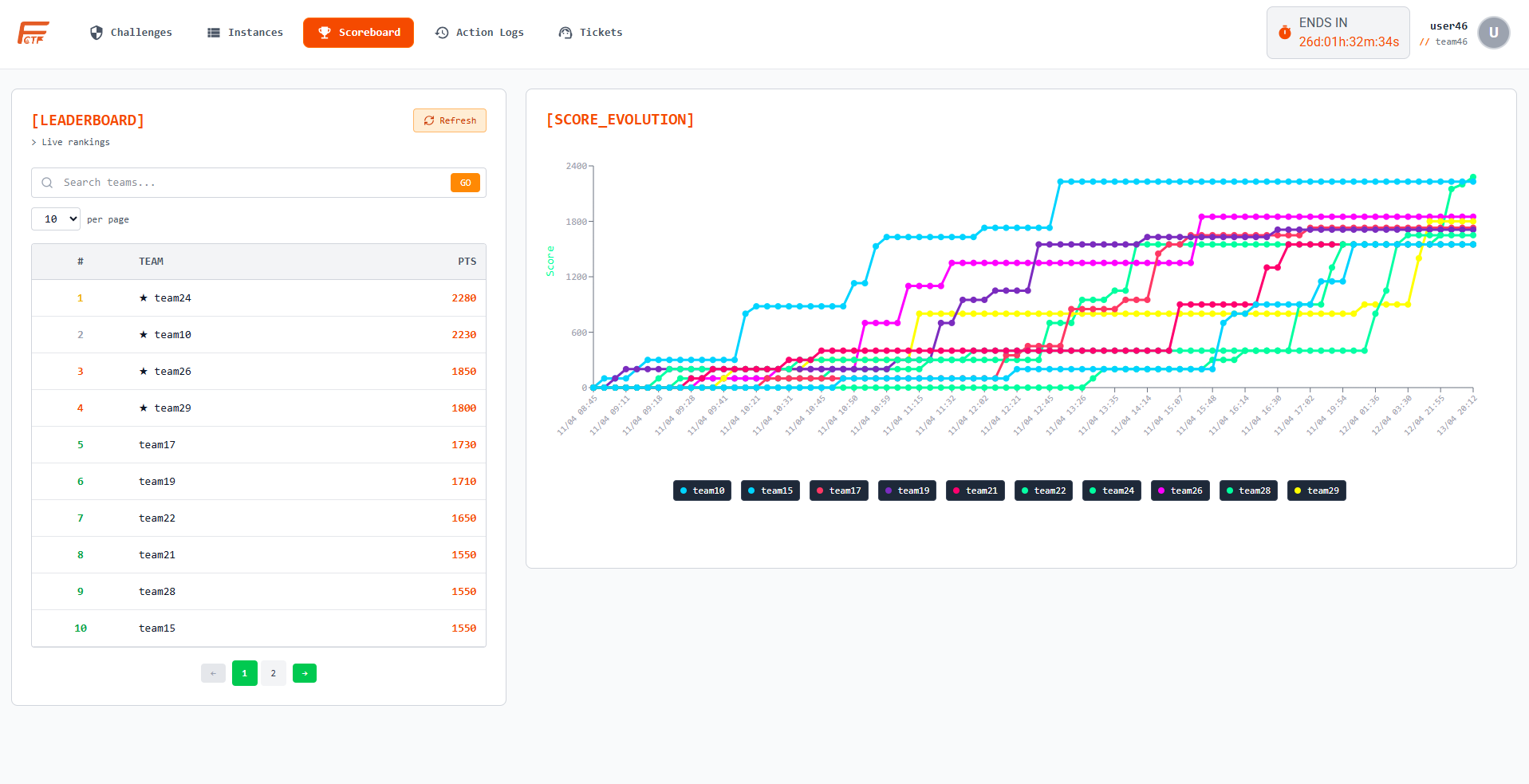
Key uses:
- Track rank shifts and score evolution charts
- Compare team position against nearby competitors
- Align challenge priorities based on standings gap
Team Action Logs
The Action Logs page helps teams coordinate by exposing time-ordered actions.
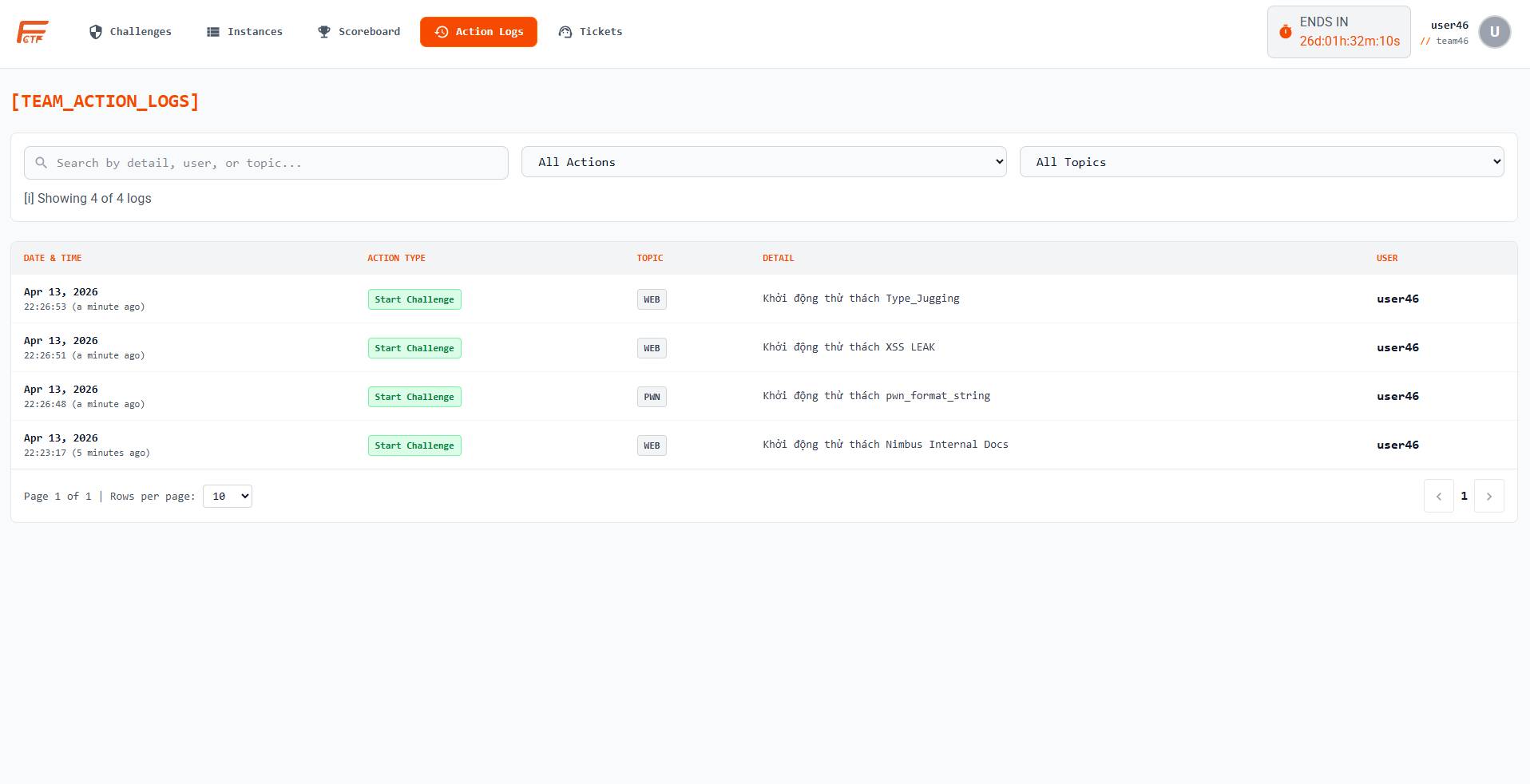
Contestants can:
- Filter by action type and topic
- Search by user/topic/detail text
- Review recent actions such as challenge start and flag outcomes
Ticket Support Workflow
Contestants can submit support requests directly from the Tickets module.
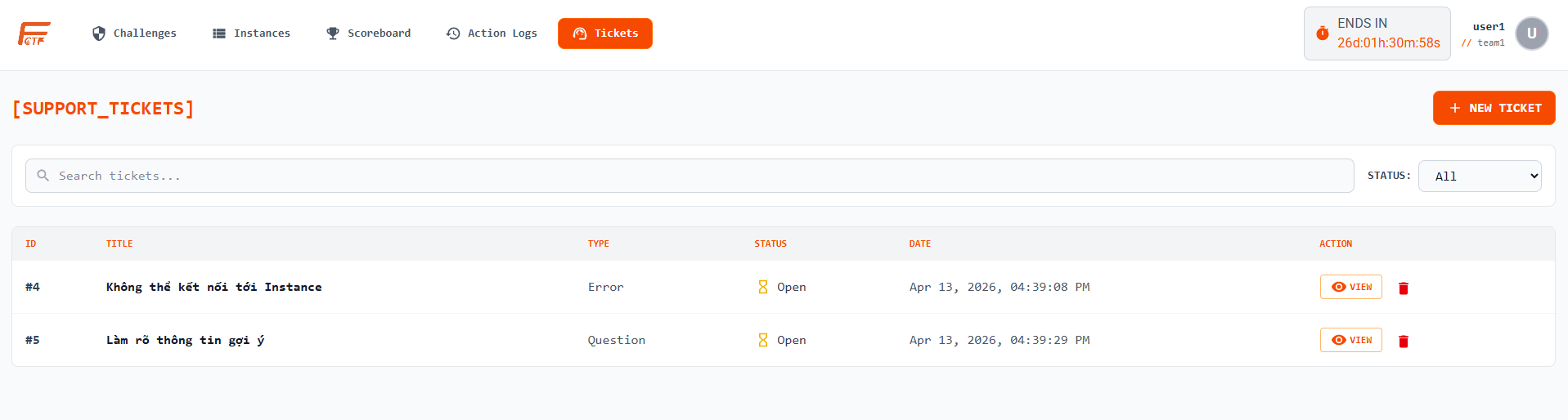
Create flow:
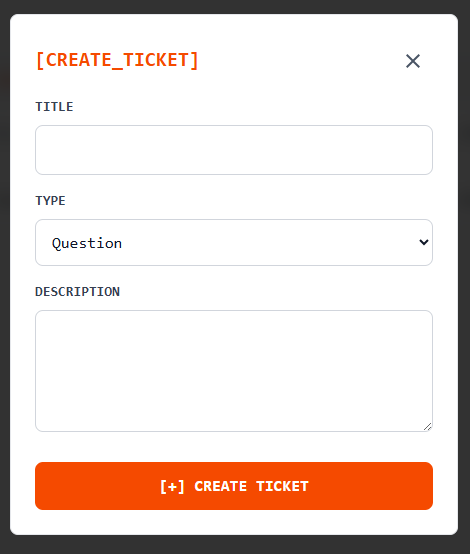
Supported operations:
- Create a ticket with
Title,Type, andDescription - View owned ticket details and organizer replies
- Delete eligible tickets (open tickets without organizer reply)
- Track ticket status transitions (
Open/Closed)